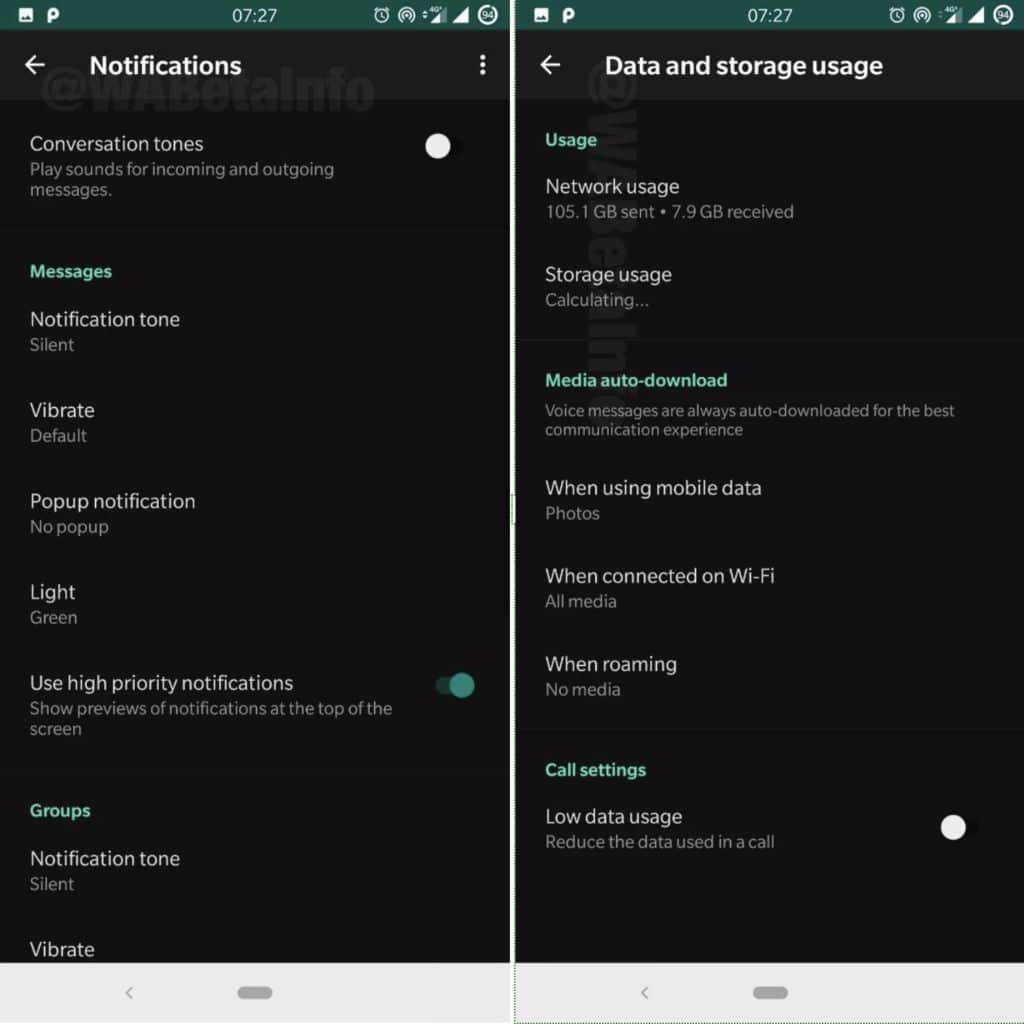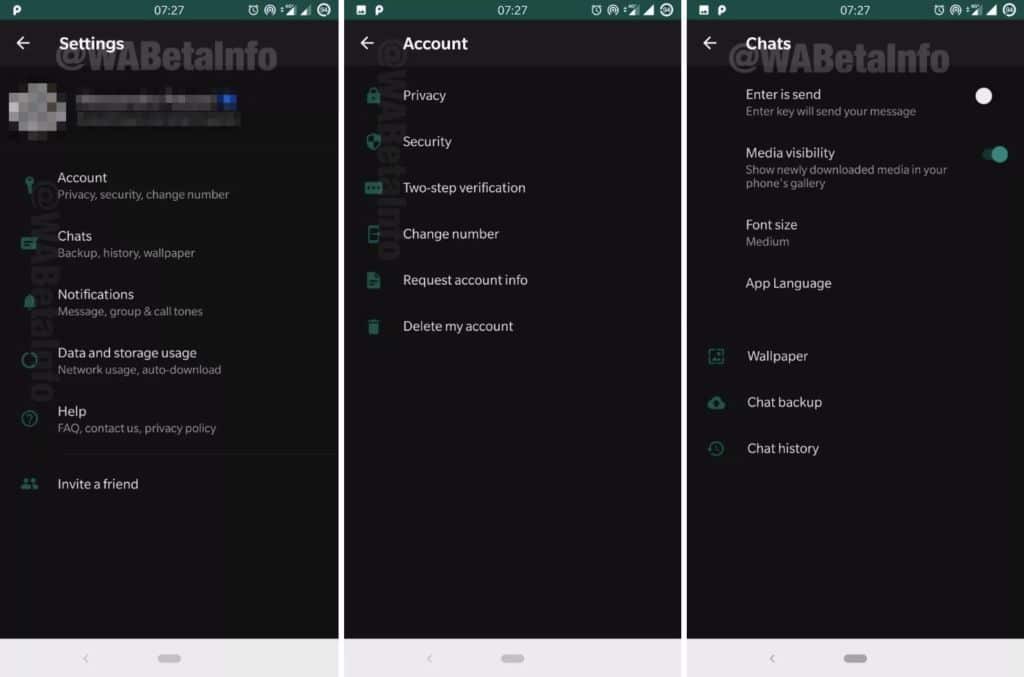
WhatsApp beta has two new updates. From version 2.19.82 it has new features, but these remain for the moment mostly behind the scenes. One thinks in particular of the dark mode, since evidence that WhatsApp works well to its implementation began to appear in the code, as reveals the site WABetaInfo: "we found the first hidden traces [of this mode] in the update 2.19.82 [...] in the beta update 2.19.47 the WhatsApp settings have been redesigned to [...] make the settings compatible with the new Dark Mode ".
Update of WhatsApp beta: the dark mode is pointing the tip of his nose
The implementation currently only concerns the settings pages. And except to hack the code, users can not activate it yet. The site notes that the color of this theme is not black but a very deep gray (# 111111). This does not yet make it a perfect choice for OLED displays, although it should still reduce screen energy consumption and achieve the goal of resting the user's eyes.
Among other novelties, this version of WhatsApp beta improves the design of audio content bubbles (when you share an audio file in a conversation), to display the name of the file in question. A feature now enabled by default. We offer a first glimpse of the dark mode in the screenshots below of WABetaInfo.
To test new features before anyone else, you can join the WhatsApp beta program or install the latest beta of the app from APK Mirror for yourself. Note that version 2.19.83 with a new button to make group calls easier is also available this morning on APK Mirror. To take advantage of the WhatsApp beta update, simply click on one of the links below: